ATS Optimization: What Actually Matters in 2026
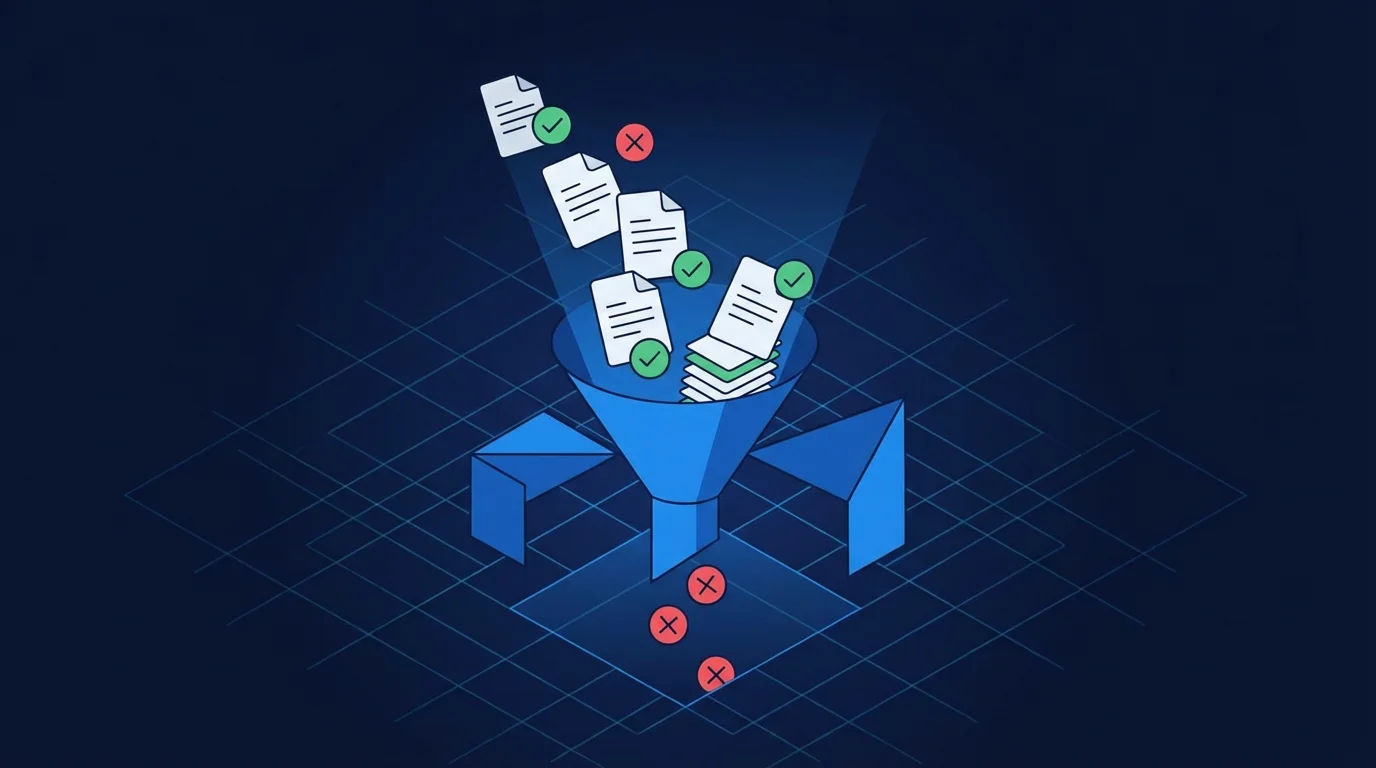
There's a lot of fear-mongering around Applicant Tracking Systems (ATS). You've probably heard that robots are "rejecting" you automatically, or that you need to use a specific font size to avoid being "filtered out."
Most of that advice is outdated, if it was ever true at all. Modern ATS software in 2026 is much more sophisticated than the simple keyword-matchers of a decade ago. It doesn't "reject" you; it ranks and organizes you for human recruiters.
What the ATS Actually Does
Think of an ATS as a database and search engine combined. When a company posts a job and gets 500 applicants, a recruiter can't read all of them. They use the ATS to search for specific terms (e.g., "Python," "Product Management," "B2B SaaS") and filter by experience level or location.
The ATS's primary job is parsing—extracting the data from your PDF and putting it into structured fields like "Education," "Work History," and "Skills." If the parsing fails, your profile looks messy, and the recruiter might skip it. That's the real "ATS rejection."
What Actually Matters
If you want to ensure your resume is parsed correctly and shows up in search results, focus on these three pillars:
Clean, Linear Formatting
Modern ATS can handle most fonts, but they still struggle with complex layouts. Avoid:
- •Multiple Columns: Many parsers read across the entire page, meaning your left column and right column text will be mashed together.
- •Text Boxes & Tables: Information inside these elements is often invisible to older parsers.
- •Headers & Footers: Don't put your contact info in the actual document header; put it in the main body of the document.
Relevant Keywords (Contextualized)
Keywords are still essential because that's what recruiters use to search the database. But "contextual keywords" are better than a list. Instead of a "Skills" section that just says "Project Management," write a bullet point like: "Managed a cross-functional team of 10 for a $2M project..."
Standard Headings
Stick to the classics: "Experience," "Education," "Skills." If you call your experience "My Professional Journey," the parser might not know where to start looking for your work history.
What Doesn't Matter (Dispel the Myths)
Myth: "File Type (Mostly)"
PDF is fine. Docx is also fine. Most modern systems can handle both perfectly. Just don't use an image (JPG/PNG) because text cannot be extracted from them easily.
Myth: "Font Choice"
As long as it's readable by humans, it's readable by the ATS. Standard sans-serif or serif fonts (Inter, Arial, Roboto, Times New Roman) are all safe bets.
Myth: "Margins"
You don't need "1-inch margins" exactly. Just ensure there is enough white space for a human to read comfortably.
How to Check Your Score
The best way to "test" an ATS is to see if a parser can understand your resume. A simple test is to save your resume as a "Plain Text" (.txt) file. Open it—is the information in a logical order? Are your bullet points garbled? If the text file is readable, the ATS will likely be fine.
How Career Capybara Helps
We designed Career Capybara to be "ATS-Native." When you use our Resume Builder, every template you choose is pre-tested against the most common ATS platforms (Workday, Greenhouse, Lever).
Auto-Parsing Check
Preview how a recruiter will see your structured data.
Keyword Analysis
Our tool scans your resume against the JD to ensure you're using the terminology that will get you ranked #1 in search results.
Clean Export
No hidden formatting, no nested tables—just perfectly structured PDFs that look great to humans and robots alike.
Is your resume ATS-ready?
Get an instant score on your current resume and fix parsing errors before you apply.