Custom GPT for Information Gathering: Bridge Zendesk & Linear
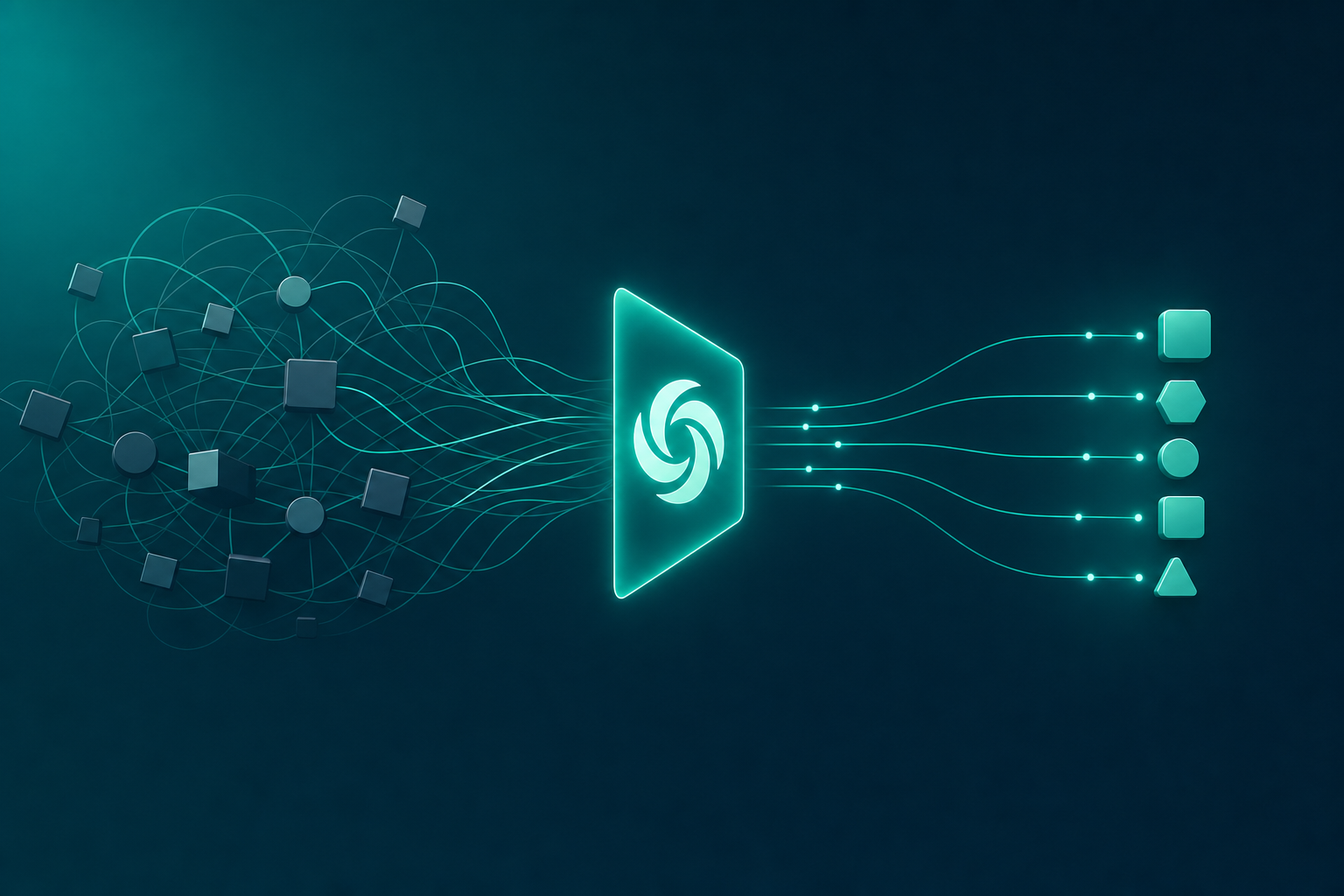
Stop treating your CRM and project management tool like separate universes. A 10-minute custom GPT can connect them and cut your info-gathering time by half.
You're a mid-career professional. You spend your days jumping between Zendesk, Linear, Slack, and email. Every customer escalation means five browser tabs open, three logins, and a mental map of who said what where.
There's a faster way. A hidden mechanism that most people assume requires an engineering team. It doesn't. A custom GPT can bridge your disconnected tools and surface the answer you need in one query.
The Info Chaos That Eats Your Week
Picture this: A customer escalates. You open Zendesk, scroll through ticket #452's comment history. Then you switch to Linear to find the related issue. Then you check Slack for your teammate's update. You still can't tell if the fix shipped. So you ask in a channel and wait.
That sequence happens 5 to 10 times a day. Each toggle costs focus. Each context switch adds minutes. By Friday, you've burned one to two hours just hunting for information that should be in one place.
5–10
Tool toggles per query
1–2 hrs
Hours of daily info hunting
3+
Disconnected tools
40%
Longer response times
Why You Keep Doing It Manually (And Why That's Risky)
You know this process is broken. So why haven't you automated it?
The answer is a myth: "I'm not technical enough." You think you need API keys, coding skills, or a developer's blessing. That belief is costing you hours and slowing your response time. Meanwhile, your competitors—who also aren't engineers—are building simple automations and answering customers in half the time.
❌ Myth: You need API keys and coding skills to connect Zendesk and Linear.
✅ Reality: A custom GPT can use knowledge retrieval from exported summaries or simple API actions, no code required.
Stop toggling—start querying. Career Capybara's Custom GPT Builder gives you the exact template to connect your tools in 20 minutes.
Build your own Zendesk–Linear bridge with our ready-to-use template. No coding, no API keys—just upload your data and start querying.
How a Custom GPT Becomes Your Zendesk–Linear Bridge
The fix is simpler than you think. A custom GPT—configured with GPT Actions or knowledge files—acts as a translator between your tools. It reads from both Zendesk and Linear and returns a single, unified summary.
Here's what that looks like in practice.
Checking the status of a customer escalation
Most people say
"Open Zendesk, search ticket #452, scroll through comments. Then switch to Linear, find the associated issue, check assignee and status. Repeat for each customer query."
Say this instead
"Type: 'What's the status of ticket #452 and who's assigned in Linear?' GPT returns a unified summary: 'Ticket #452 is open with priority high. Latest comment from agent: waiting on fix. Linear issue #101 assigned to Priya, status: In Progress.'"
Build Yours in 30 Minutes (No Coding Required)
You can build this bridge today. No developer needed. No API keys required in the basic version.
Follow these four steps. By the time your next coffee break ends, your custom GPT will be live.
Export or connect your data
From Zendesk, export recent ticket summaries: ID, status, latest comment, priority. From Linear, export issue summaries: ID, title, assignee, status, latest update. Save these as CSV files. If you're comfortable with APIs, you can connect directly using GPT Actions—but CSV works perfectly.
Create your custom GPT
In ChatGPT, go to 'Explore GPTs' and click 'Create'. In the instructions, write: 'You act as a unified knowledge bridge between Zendesk and Linear. When asked about a ticket or issue, pull the latest data from the provided knowledge files and summarize both.' Upload your CSV files in the Knowledge section.
Write example prompts
Add sample prompts in the 'Conversation starters' field. For example: 'What's the status of ticket #452?' and 'Who is assigned to the Linear issue for ticket #452?' This trains the GPT on the format you expect.
Test with a real case
Use a recent customer escalation. Ask your GPT the exact question you would normally research manually. Verify the summary matches reality. If it misses context, refine the instructions—maybe add 'Always include the latest comment from both tools.' Done.
You just learned that a custom GPT isn't for developers. It's for anyone tired of hunting through tabs.
Spend 30 minutes today building this one GPT. Export your data, create the GPT, test it with a real case. Once it's live, you'll use it every day. Every query that used to take five minutes now takes five seconds.
That's the hidden mechanism. Now go build yours.
Productivity
Build Your Own Zendesk–Linear Bridge
Use Career Capybara's Custom GPT Builder to connect your tools with no coding required. Get the exact template and start saving hours every day.