The Professional "Noted" Clapback: Reclaim Your Time and Sanity
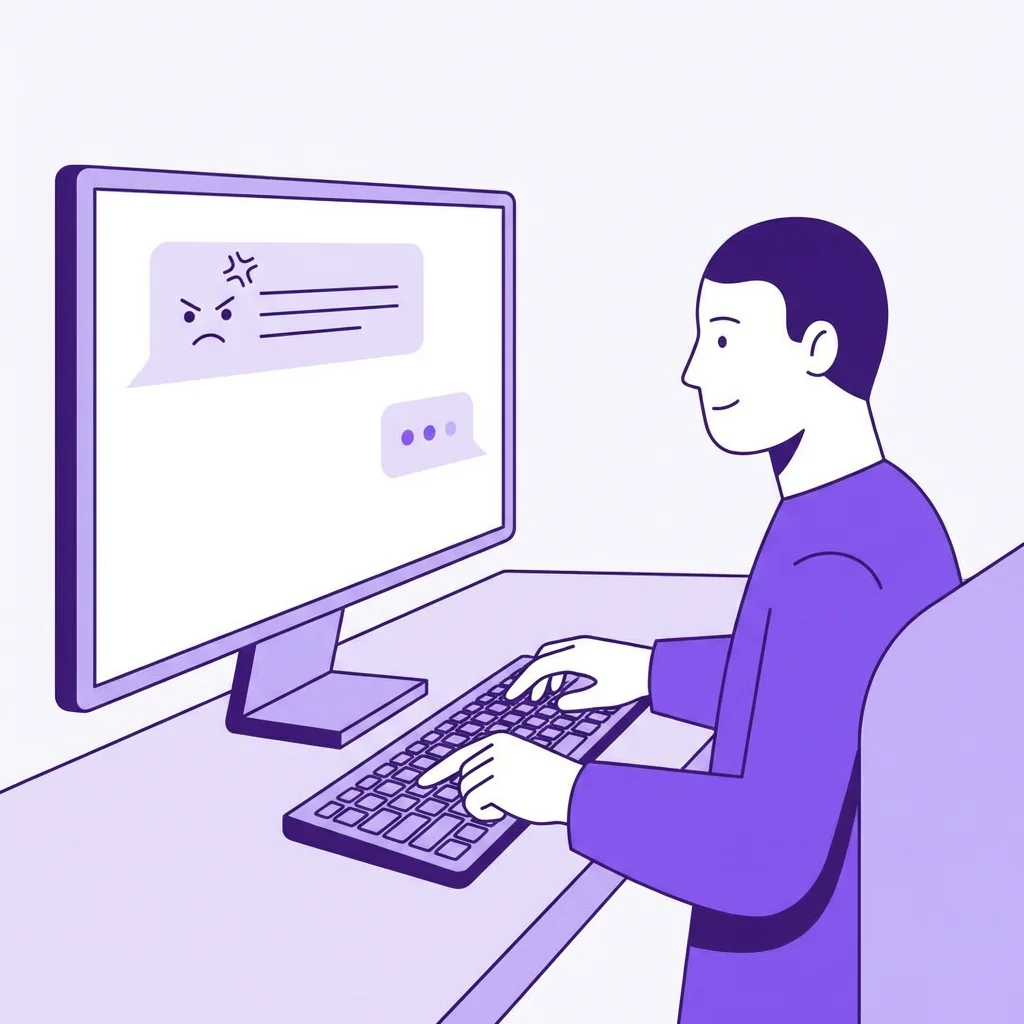
You've just been handed a third "emergency" request on a Friday afternoon. Your manager, who hasn't checked their own calendar in three years, just sent a Slack message that says: "Can we also get that 40-page report done by Monday morning? Thanks!"
Your first instinct is to explain why that's impossible. You want to list your current 14 priorities. You want to mention that your cousin's wedding is this weekend. You want to apologize for not being a wizard who can freeze time. Stop. Just stop. Every word you spend explaining yourself is a word that gives them permission to push back.
Look, I've spent a decade in the recruiting trenches, and I've seen how the most effective leaders handle these moments. They don't get angry. They don't over-explain. They use a very specific set of linguistic tools that I like to call the "Professional Clapback." It’s the art of using five words to do the work of a five-hundred-word argument.
The Power of "Noted": Why One Word Changes Everything
"Noted" is the ultimate professional equalizer. It is the verbal equivalent of a brick wall. When you use it correctly, you aren't agreeing to a request, and you aren't refusing it. You are simply acknowledging its existence.
Honestly, I used to be a chronic over-explainer. I thought that if I just provided enough context, people would realize how unreasonable they were being. I was wrong. People don't want context; they want their problem solved. When you provide context, you’re just giving them data points to argue with.
Think about the power dynamics for a second. In most offices, the person who speaks more is often the person with less power. They are the ones trying to justify their existence, their timeline, or their decisions. The person with the most power in the room can often move mountains with a single nod or a one-word email.
By using "Noted," you are adopting that power stance. You are signaling that you have received the information, you are processing it, and you will decide how it fits into your existing architecture of work. You aren't panicking. You aren't apologizing. You are just... noting it. It’s devastatingly effective because it leaves the other person with nowhere to go. There’s no argument to have.
The Toolkit: Your Professional Passive Arsenal
You can't just say "Noted" to everything (unless you want to be known as the office robot, which is its own kind of vibe, I guess). You need a variety of phrases that serve different purposes. Let's break down the core kit.
"I'll document accordingly."
This is the nuclear option. It sounds helpful, right? You’re just taking notes! But in Corporate-Speak, this is a direct threat. It tells the other person: "I am recording this insane request/decision in a place where it can be used against you later if things go south."
Best for: When a manager gives a verbal instruction that contradicts a written policy or a previous agreement.
"Per our conversation..."
The classic. The "receipt-getter." It’s the ultimate way to lock someone into their own words. It transforms a "vague chat" into a "documented commitment."
Best for: Following up after a meeting where someone made a promise they’re likely to "forget" later.
"As discussed..."
Similar to "Per our conversation," but slightly more pointed. It’s the "I already told you this" for people who don't want to be rude. It’s an efficiency-builder. If someone asks a question you already answered in an email thread, you start your reply with "As discussed below..." and watch how quickly they start reading before they ask.
Best for: Handling repetitive questions or re-establishing boundaries on a project.
"Received. Looking into how this fits the roadmap."
This is the best way to handle scope creep. You aren't saying yes. You are saying you need to check if it’s even possible within the current framework. It buys you time and signals that your time is governed by a strategy, not by their whims.
Best for: "Quick asks" that are actually 10-hour projects.
Wait, did I just say "roadmap"? Yes, I did. Because using specific project management terms (even if your "roadmap" is just a Google Sheet) adds a layer of professionalism that makes it harder for people to just "throw things over the wall" at you.
When to Be Passive vs. When to Escalate Directly
Real talk: Passive-professional responses are a defensive strategy. They are meant to protect your time and document reality. But they aren't a substitute for actual leadership when things are truly breaking.
If a project is failing because of a systemic issue, "Noted" isn't going to save you. You need to know when to put down the linguistic shield and pick up the direct-feedback sword.
Use the "Noted" Kit when:
- The request is annoying but manageable.
- You need to create a paper trail for a difficult person.
- The person asking doesn't have the authority to change your priorities.
- You're being baited into an emotional argument.
Go Direct when:
- The requested work will cause a major failure elsewhere.
- There is a genuine misunderstanding of the project goals.
- Someone is being verbally abusive or crossing HR lines.
- You are the decision-maker and need to stop a bad idea in its tracks.
The goal isn't to be a "difficult" person. The goal is to be a person who is difficult to steamroll. "Noted" keeps the conversation moving without you getting run over. Direct escalation is for when you need to stop the train entirely.
Building a Documentation Habit (The "Recap" Power Move)
A "Noted" or an "I'll document accordingly" is only as powerful as the actual documentation that follows. If you say you're going to document it and then you don't, you're just being snarky. If you actually send the follow-up, you're being a professional.
Here is the 2-minute habit that will save your career: The Slack Recap. After any verbal meeting, Zoom call, or hallway "catch up" where a decision is made, you send a quick message to the group or the individual.
The "Recap" Script
"Hi [Name], just recapping our chat for my records:
1. We've decided to move the launch to Friday.
2. I'll be pausing the Q3 Audit to prioritize this.
3. You've confirmed that the budget for the freelancer is approved.
Let me know if I've missed anything, otherwise, I'll document this as our new path forward."
Why is this so powerful? Because it forces the other person to either agree with your interpretation of reality or correct it *right now*. Most "moving goalposts" happen because things were left vague. Documentation kills vagueness.
It also builds a "data bank" for your performance reviews. When it comes time to talk about your impact, you don't have to rely on memory. You have a folder of "Noteds" and "Recaps" that show exactly how you managed your workload, handled emergencies, and kept the project on track.
Real Scenarios: How to Deploy Your Clapbacks
Let's look at three specific, painful scenarios we've all faced and how to use our new toolkit to survive them.
Scenario A: The "Just One More Thing" (Scope Creep)
Your project is 90% done. A stakeholder who hasn't attended a single check-in suddenly decides the color scheme should be "more blue" and the user flow should be entirely different.
❌ The Amateur Response
"Oh man, I don't think we can do that now. We're so close to finished. I'd have to talk to the designers and it would take another week. I'm so sorry!"
✅ The Professional Response
"Noted. I'll add this to the V2 backlog and document it as a potential enhancement for the next sprint. For the current launch, we're locked on the approved specs."
Scenario B: The "I Never Said That" (The Gaslighter)
A manager tells you verbally to "don't worry about the compliance check." Two weeks later, the compliance team is screaming, and your manager says, "I never told you to skip that!"
❌ The Amateur Response
"But you said in the hallway last Tuesday that we didn't need it! I remember because I was holding a coffee!"
✅ The Professional Response
"Per my recap email on Tuesday at 2:15 PM, we agreed to skip the compliance check to meet the deadline. I'll document this current update so we can adjust our process for next time."
Scenario C: The "Urgent" Slack After Hours
It's 8:30 PM on a Tuesday. You're watching Netflix. A peer slacks you: "Hey, can you send me the link to that doc? Need it now for a 7 AM call."
❌ The Amateur Response
(Immediately stops Netflix, spends 15 mins finding the link, sends it with "Here you go!")
✅ The Professional Response
(Wait until 8:45 AM Wednesday) "Received. As discussed in our weekly, all project docs are in the shared drive. Here's the direct link for your records."
Notice a pattern? The professional response is always shorter, more referenced, and less emotional. It assumes that there is a system in place (even if you're the one building it) and that the system is what governs the work—not the temporary panic of a colleague.
The "Noted" Rule of Thumb
If a request takes longer than 2 minutes to explain why you can't do it, just say "Noted" and document why it's a "no" later. Your time is too valuable to spend it arguing about your time.
Look, I get it. It feels weird at first. You're worried about sounding "mean" or "cold." But here's the secret: most people don't think you're mean. They think you're efficient. They think you're organized. And most importantly, they think you're too busy with important things to get bogged down in their drama.
Career Capybara is built on this exact philosophy. We aren't here to give you "tips" on how to work harder. We're here to give you the tools and the language to work smarter, protect your boundaries, and move toward the roles you actually want.
Honestly, if you're still reading this, you probably have a Slack tab open with a request you need to "Note." Go do it. Then come back and sign up for the platform that actually helps you manage the rest of your career.
Ready to build a career that doesn't burn you out?
Join thousands of professionals who are using Career Capybara to track their achievements, manage their documentation, and master the art of professional communication. It’s like having a recruiter in your pocket, without the annoying "checking in" calls.