Run this 8-point AI audit on your resume before you send it anywhere.
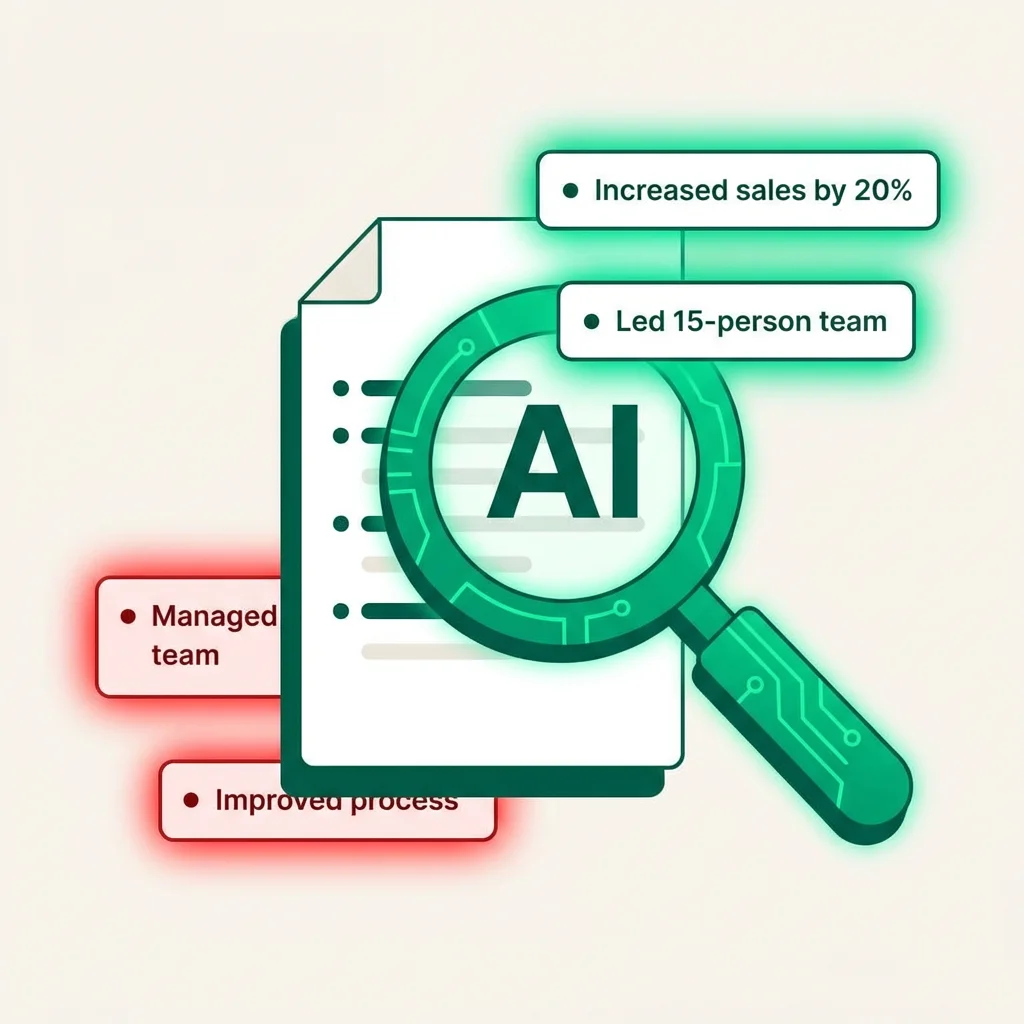
You've read your own resume so many times you can't see it anymore.
That's not a failure of attention. It's how familiarity works — the brain fills in gaps from memory instead of reading what's actually on the page. You stop seeing the vague bullet you've had there since 2021. You stop noticing that every other bullet starts with "Led." You stop catching the tense inconsistency on page 2.
AI is surprisingly good at catching these things — not because it's smarter than you, but because it has no familiarity with your resume. It reads what's actually there. Used correctly, it's one of the highest-ROI things you can do to a resume before it goes out. Here are the 8 prompts, in order.
How to use this guide: each step includes the exact prompt, what to do with the output, and what the AI tends to get wrong. Run them in order — structure first, then content, then polish. Don't fix step 6 before you've done step 1.
The 8-point audit
The vague bullet scan
The prompt
"Read each bullet point in my Experience section. Flag any bullet that uses vague language — words like 'improved,' 'managed,' 'helped,' 'supported,' 'worked on,' or 'contributed to' — without a specific number or outcome. List the flagged bullets and suggest a more specific version for each."
What to do with the output
Take each flagged bullet and apply the "used to / now" or volume frame. The AI suggestion is a starting point — use your actual numbers, not fabricated ones.
Watch out for
AI will sometimes invent plausible-sounding metrics. If you didn't achieve a 47% improvement, don't use it because the AI suggested it.
The keyword match against a real job description
The prompt
"Here is my resume: [paste resume]. Here is the job description I'm applying to: [paste JD]. Identify: (1) keywords in the JD that are missing from my resume, (2) skills the JD requires that my resume doesn't clearly demonstrate, (3) language I'm using that doesn't match the JD's terminology."
What to do with the output
Add missing keywords where they're genuinely true for you. Don't stuff keywords for roles where they don't apply — ATS systems have gotten better at detecting mismatches.
Watch out for
AI will sometimes suggest adding keywords you don't actually have. Only add what's accurate.
The recruiter 6-second test
The prompt
"Read my resume and tell me: if a recruiter spent only 6 seconds scanning this, what would they take away? What's the single most prominent impression? Is it the impression I'd want them to have?"
What to do with the output
If the AI describes an impression that doesn't match your target role, you have a structure or hierarchy problem. Revisit section order and lead bullet positioning.
Watch out for
This is subjective — treat the output as a directional signal, not a verdict.
The redundancy audit
The prompt
"Scan my resume for repeated words, phrases, or sentence structures used more than twice. List any patterns that make the resume feel repetitive."
What to do with the output
Vary your action verbs. If you led three things, you can only use "Led" once — use "Directed," "Spearheaded," "Oversaw" for the others.
Watch out for
AI sometimes flags legitimate repetition of important keywords. Distinguish between keyword repetition (often intentional) and stylistic repetition (always fix).
The summary section audit
The prompt
"Read my professional summary. Does it tell a recruiter anything that isn't already visible in the first two roles in my experience section? Does it contain any clichés or filler phrases? Would a recruiter skip it?"
What to do with the output
If the answer is "yes, they'd skip it" — either cut it entirely or rewrite it to carry specific information (a number, a credential, or a pivot context) the experience section doesn't cover.
Watch out for
AI tends to generate summaries that are slightly better than average but still generic. "Results-driven professional with 8 years of experience" is still bad even if the AI wrote it.
The tone and tense audit
The prompt
"Check my resume for consistency in: (1) verb tense — current role present tense, past roles past tense, (2) capitalization — consistent across job titles and company names, (3) date formatting — all formatted the same way."
What to do with the output
Fix every inconsistency the AI flags. These are the details that make a recruiter wonder whether you're careless.
Watch out for
This is one of the areas where AI is genuinely reliable — formatting errors are objective.
The "why would they skip you" audit
The prompt
"Play the role of a skeptical recruiter reviewing this resume for [target role]. What are the 3 most likely reasons you'd move on to the next candidate without calling this person? Be honest."
What to do with the output
The AI's answer to this is usually correct and uncomfortable. Each objection it surfaces is something you should pre-empt — either by adding information to the resume or by preparing to address it in the interview.
Watch out for
The AI may flag things you can't change (a career gap, a non-target school). Distinguish between objections you can address and ones you just need to be ready for.
The "does this sound like a human" check
The prompt
"Read my resume and identify any phrases that sound like they were written by AI — overly formal, unnaturally structured, or using language that people don't actually use when talking about their work."
What to do with the output
Rewrite the flagged phrases in the way you'd describe the work to a smart friend. If you'd never say "spearheaded strategic initiatives to drive organizational alignment" out loud, don't put it in writing.
Watch out for
Ironic, but: AI-generated resume copy ironically sounds more AI-like than human-written copy. Use AI to flag the problem, then fix it yourself.
What AI still can't audit for you
The 8 prompts above cover structure, language, and positioning. But there are a few things AI reliably misses:
Whether your numbers are actually impressive in context — AI can't benchmark your 12% cost reduction against what's normal in your industry
Whether the narrative of your career makes sense — a human with industry knowledge spots "this trajectory doesn't add up" faster than AI
Cultural fit signals — certain companies and sectors have aesthetic preferences for resume style that AI doesn't know
The accuracy of your claims — AI takes everything at face value. You're the only one who knows what's actually true
Use AI for the mechanical checks it's good at. Use your own judgment — and ideally a trusted human reviewer — for the strategic questions it can't answer.
Career Capybara is built around this exact workflow — AI that flags the structural and keyword problems, combined with the tailoring logic to match your experience to what each role actually needs. The audit above takes 20–30 minutes if you run it manually. Our tool does the equivalent automatically, every time you apply to a new role. Try it free.
8 prompts. 30 minutes. A resume that doesn't embarrass you.
Or let Career Capybara do the audit automatically every time you apply.