What you'll learn
- Welcome to Career Capybara
- Step 1: Complete Your Profile
- Step 2: Upload Your "Master" Resume
- Step 3: Connect Integrations
Welcome to Career Capybara
Career Capybara is your all-in-one AI companion for landing your dream job. This guide will walk you through the very first steps you need to take to unleash the platform's full potential.
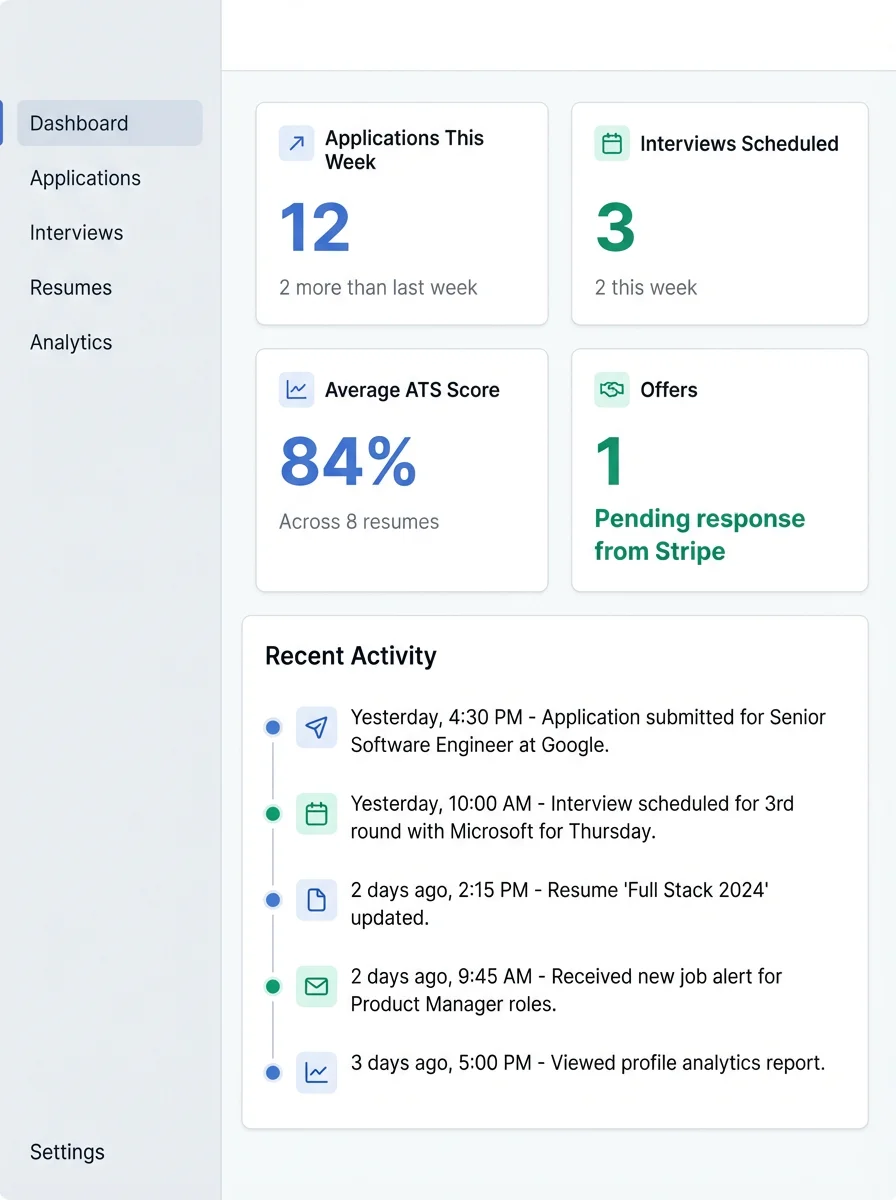
Step 1: Complete Your Profile
The first and most critical step is telling our AI agent who you are. The more accurately you set up your profile, the better the Resume and Interview modules will perform.
- Click on the Account & Settings gear in the sidebar.
- Fill in your desired Job Titles (e.g., Senior Full Stack Engineer).
- Specify your years of experience, as this automatically calibrates mock interview difficulty.
Step 2: Upload Your "Master" Resume
Your master resume should be long, exhaustive, and contain every bullet point of your career history. We will use this to automatically cherry-pick relevant details later.
Step 3: Connect Integrations
Head over to the <strong>AI Tools</strong> section to configure your Gmail Sync. This allows the AI to automatically read updates from recruiters and update your Application Board automatically.