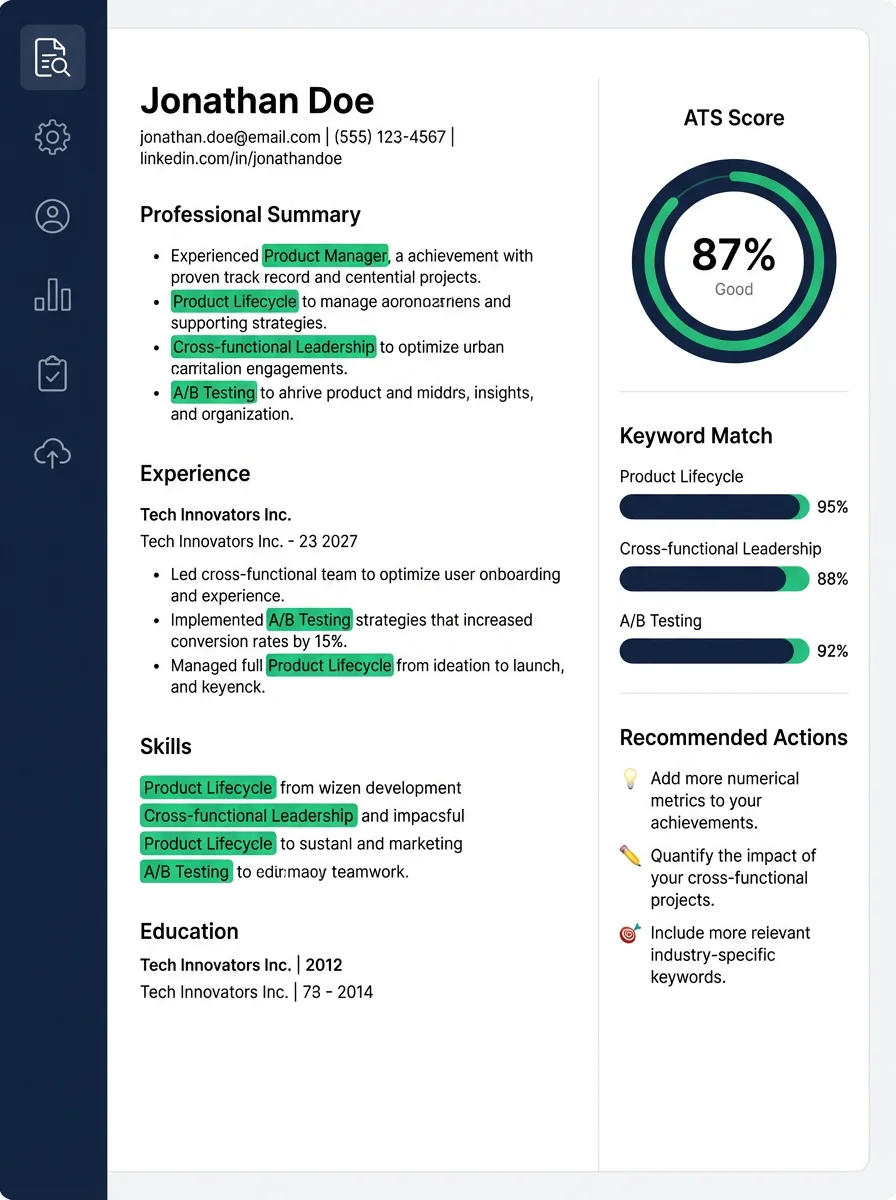
Feature WalkthroughResume
Resumes Module Deep Dive: Every Button, Workflow, and Best Practice
Detailed tutorial for the Resumes module: master resume setup, JD tailoring, optimization controls, sharing, feedback loops, and export...
Start with the route that matches your goal, then use the library when you need deeper product guidance.

Workflow map
Each card explains the outcome, the three actions to expect, and the best guide to open next.
Know where each module fits before you start applying.
Turn a master resume into a role-specific version without losing the source.
Keep every role, resume, status, and follow-up in one place.
Practice with context from the role and review answer feedback afterward.
Find the next guide
The library is still complete, but the page no longer asks users to scan every article before they know where to begin.
Use the first guide to understand the full product workflow.
Jump straight into resume tailoring, ATS matching, and export basics.
Learn how applications connect to resumes and interview prep.
Install the browser helper before using autofill on supported job pages.
Recommended first
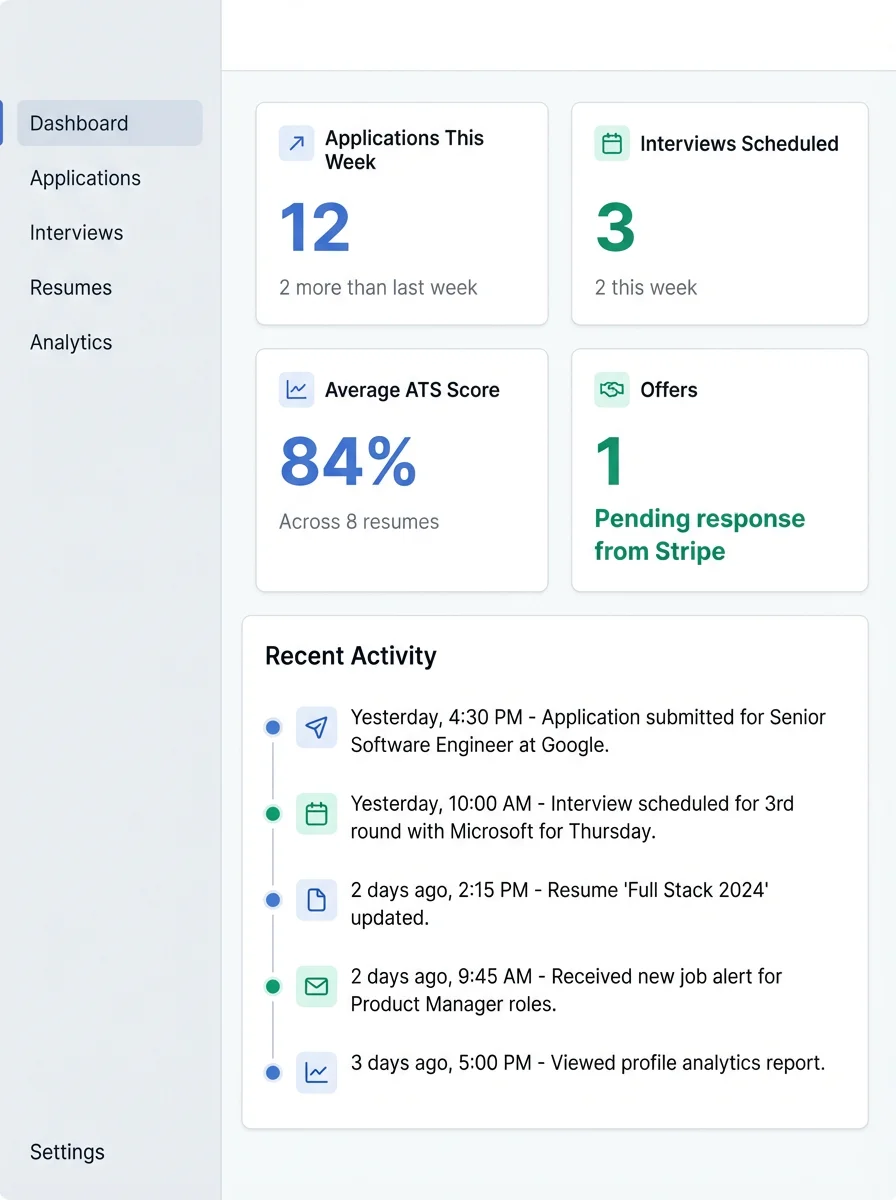
A complete Account & Settings tutorial covering profile fields, preferences, integrations, and privacy decisions that af...
Detailed tutorial for the Resumes module: master resume setup, JD tailoring, optimization controls, sharing, feedback lo...
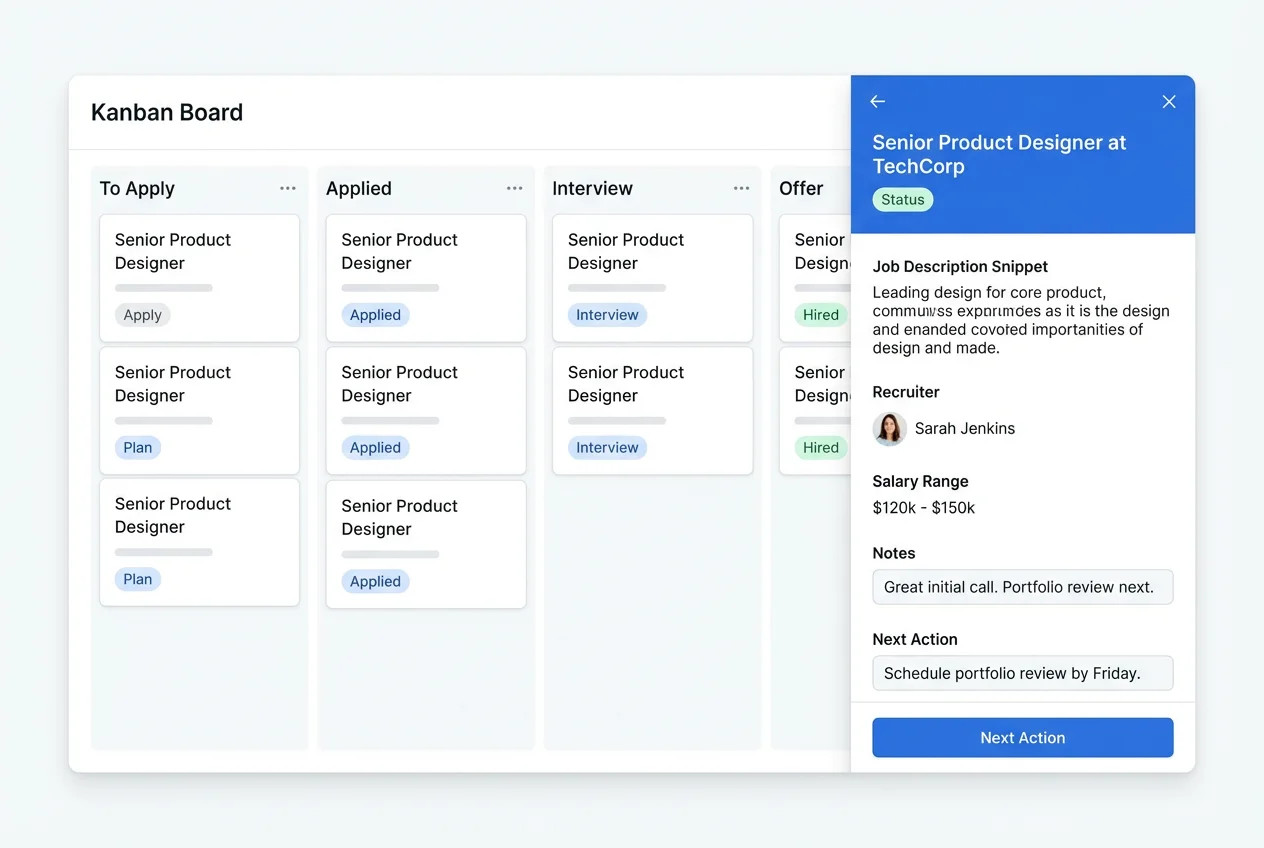
Learn how to structure your applications pipeline, track stages, tie resumes to each role, and maintain follow-up discip...
Resource library
Detailed tutorial for the Resumes module: master resume setup, JD tailoring, optimization controls, sharing, feedback loops, and export...
Learn how to structure your applications pipeline, track stages, tie resumes to each role, and maintain follow-up discipline with clear...
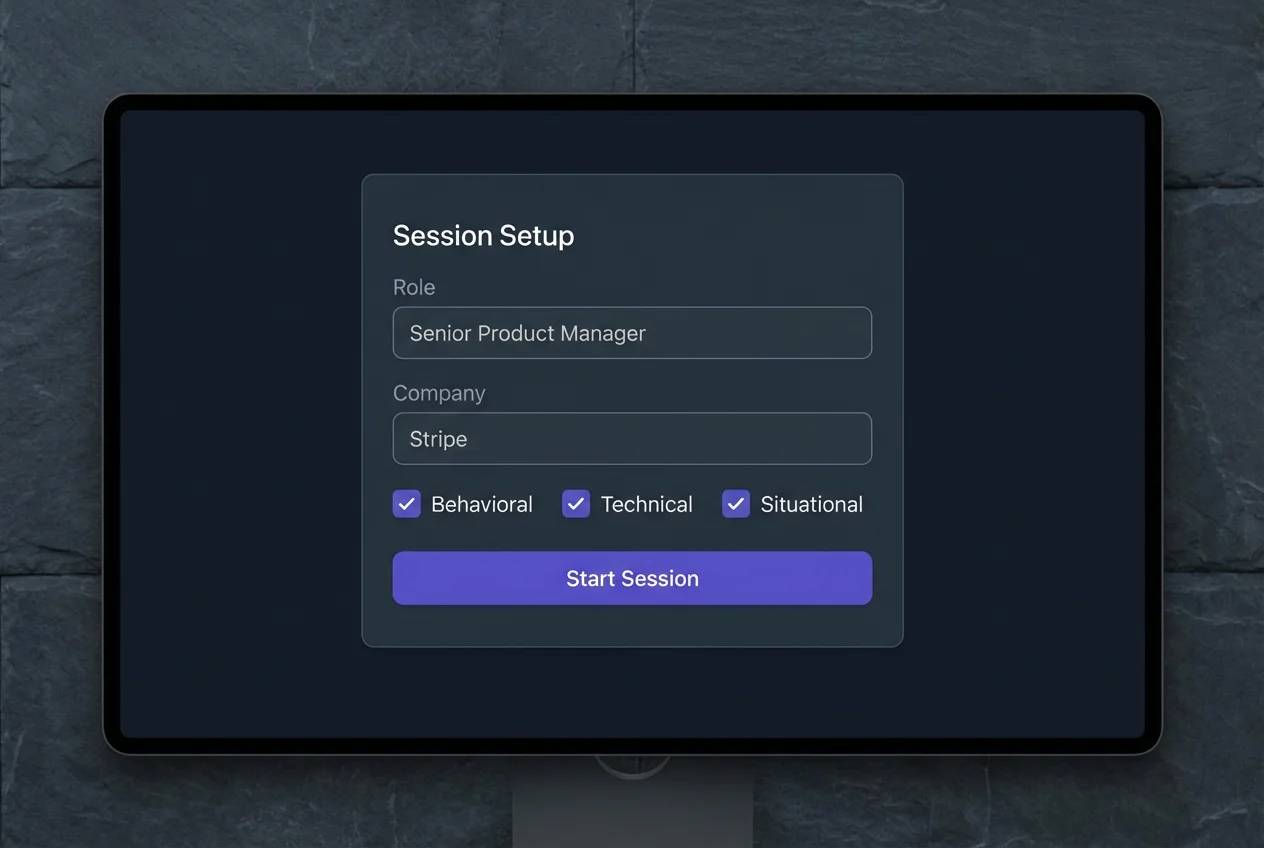
Detailed tutorial for Interview Prep: setup, session strategy, answer frameworks, and how to use AI feedback to improve interview perfo...
A complete Account & Settings tutorial covering profile fields, preferences, integrations, and privacy decisions that affect AI output...
Component-by-component guide for the Dashboard module, including what each panel means and how to use it in your daily routine.
Detailed component and button guide for Resume Optimizer, including upload, customize, share, review feedback, and export flow.
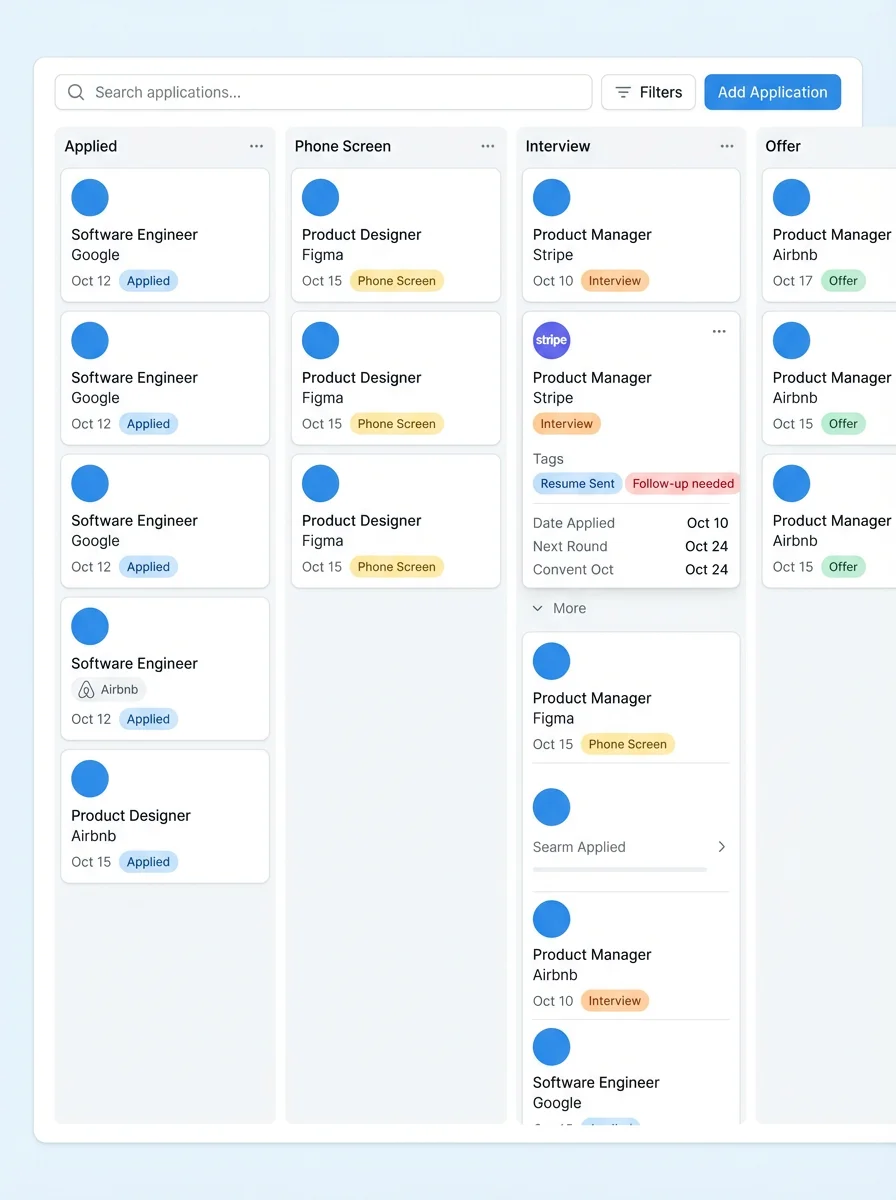
Detailed guide for Applications Board components, stage movement, card details, notes, and follow-up management.
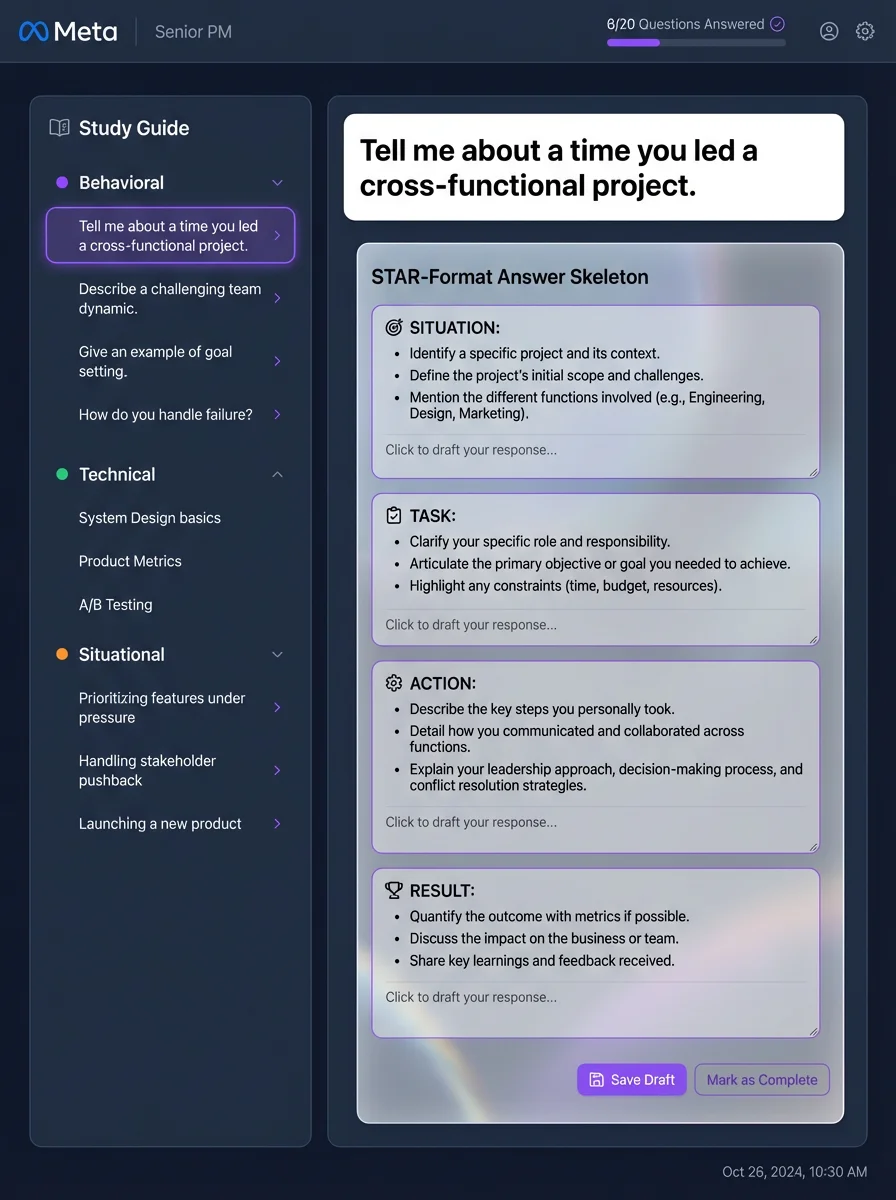
Button-by-button guide for Interview Prep, from setup and session controls to post-session diagnostics and iteration.
Detailed guide to profile, preferences, integrations, privacy, and notification components in Account & Settings.
How Help Center works: category navigation, search, article pages, and how content is maintained through Internal CMS.
Why resume best practices are critical in real hiring funnels, plus a practical framework for execution using Career Capybara.
A practical interview strategy guide explaining why preparation frameworks matter and how Career Capybara supports repeatable improveme...
Why disciplined application management matters, with practical best practices and how Career Capybara helps you execute consistently.
An end-to-end strategy article showing how resume optimization, interview prep, and application management combine into one execution s...
A complete step-by-step guide on how to setup your profile, upload your master resume, and apply to your first job.
Follow these exact actionable steps to extract keywords from a job post, inject them into your resume, and skyrocket your ATS match sco...
A detailed manual on configuring your camera, answering behavioral questions using the STAR format, and reading the AI feedback.
Learn how to use Career Capybara Kanban board to track daily job applications, record interview notes, and automate recruiter follow-up...
A comprehensive onboarding tutorial for every major Career Capybara module, including what each button does and how to complete your fi...
Use the product
Read the workflow here, then move into Career Capybara when you are ready to apply it for real.
No credit card required · takes 30 seconds