What you'll learn
- Use Customize only after your master resume has solid raw coverage of your full experience. AI can optimize much better from complete source data.
- Resumes Module: Complete Operating Guide
- Primary Actions in the Header
- Master Resume Setup (Source of Truth)
Resumes Module: Complete Operating Guide
This guide explains exactly how to use the Resumes module from first upload to final export, including what each primary action does and when to use it.
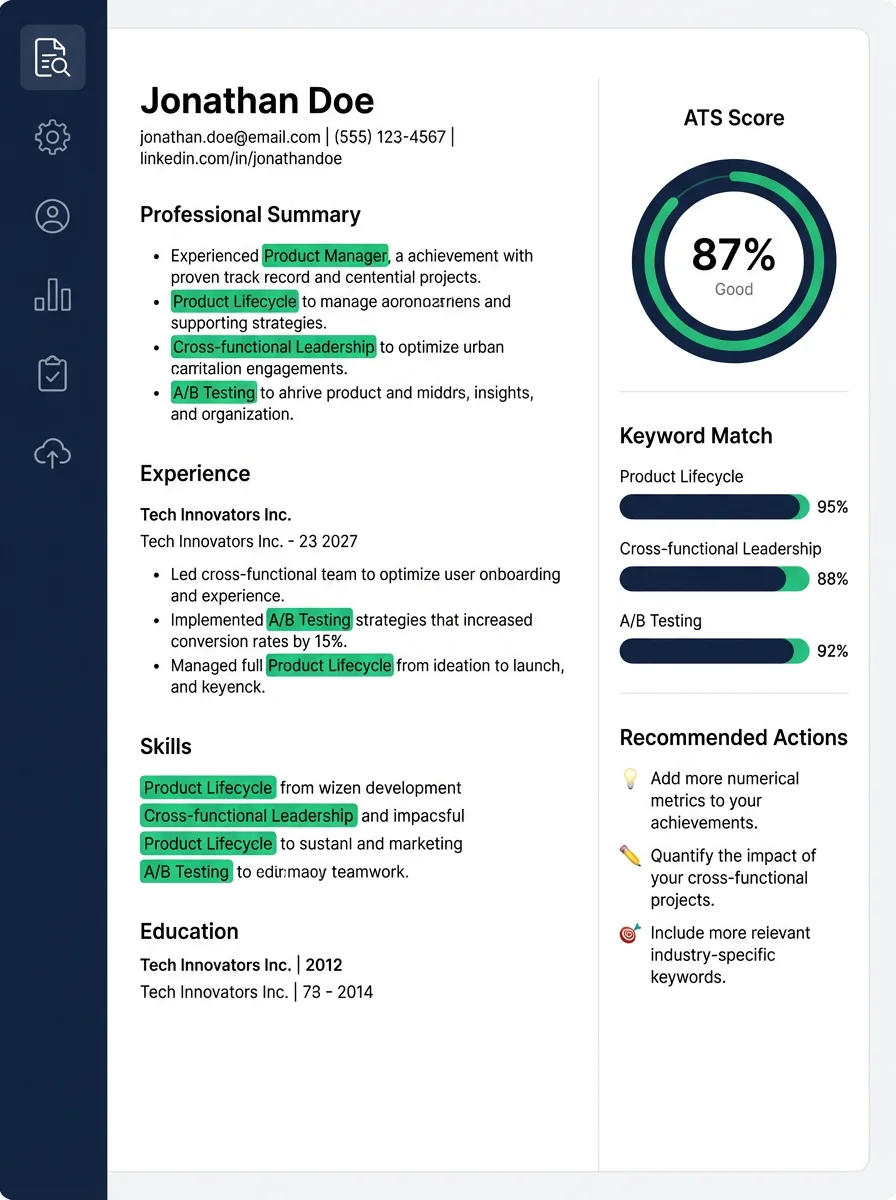
Primary Actions in the Header
- View: Opens current resume content in editor mode for direct inspection.
- Share: Generates review links and opens feedback management.
- Customize: Starts role/JD-based optimization flow.
- More menu: Additional actions such as download and feedback review shortcuts.
Master Resume Setup (Source of Truth)
Upload a long-form master resume containing all major projects, skills, and outcomes. Do not over-trim your master; trimming happens in tailored copies.
- Upload your master resume.
- Open View and verify contact info, summary, experience, and skills parsed correctly.
- Fix parsing issues before tailoring.
- Save once your baseline is accurate.
Tailored Resume Flow (Per Application)
Create a tailored resume for each target job description. This improves ATS relevance and keeps application-specific context clean.
- Paste full JD text.
- Set role + company context.
- Run analysis and optimization.
- Review bullets for truthfulness and clarity.
- Save the tailored version and link it to the application.
Experience Bullet Optimization Controls
When optimizing bullets, prioritize realism first, then JD alignment. Strong resumes are credible and specific, not just keyword-heavy.
- Keep achievements measurable when possible.
- Avoid repeating near-identical bullets across multiple roles.
- Use the most recent role for strongest JD matching and older roles for complementary evidence.
- Review generated text for ownership claims that exceed actual scope.
Share and Feedback Loop
Use Share to collect external feedback with reviewer identity, then apply edits back into the exact resume version.
- Send share link to mentors/recruiters.
- Track responses from the Share badge and Active Reviews list.
- Open review detail, click feedback item, edit targeted section, and save.
Export and Submission Best Practice
Export only after final review. Keep file naming clear and track which version was submitted for each application.
- Use role-specific file names.
- Attach the same tailored file in Applications Board.
- Do a last pass for formatting consistency and metric accuracy.
Related questions