What you'll learn
- Run short repeat sessions on the same target role. Consistency and targeted iteration produce the fastest improvement.
- Interview Prep: Components, Controls, and Best Usage
- Setup Components
- In-Session Controls
Interview Prep: Components, Controls, and Best Usage
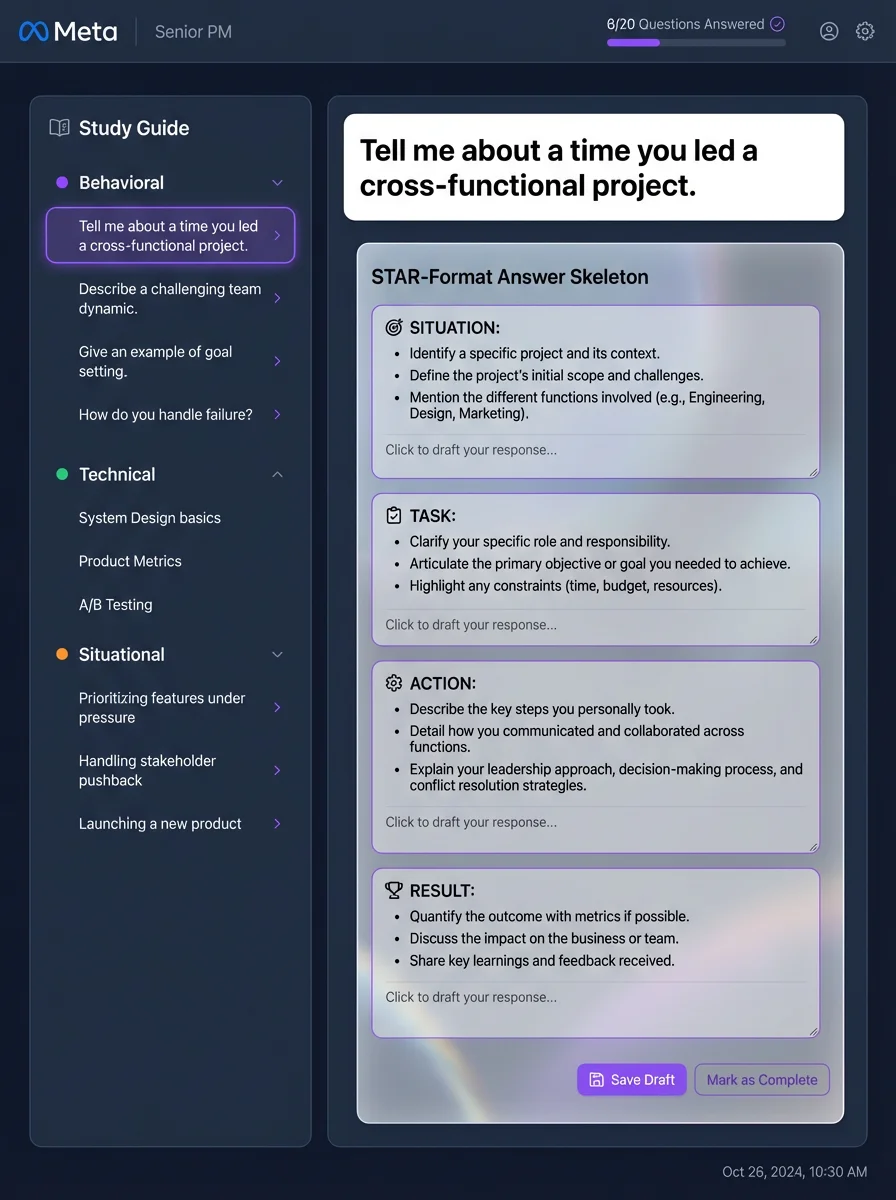
Setup Components
- Role/company fields: Calibrate question set and evaluation context.
- Session type selectors: Choose behavioral/technical emphasis.
- Start button: Launches live mock session.
In-Session Controls
- Prompt panel: Active question and context.
- Answer capture: Voice or text response collection.
- End session: Finalizes and triggers analysis report.
Post-Session Report Components
- Overall score: Session-level performance indicator.
- Category feedback: Behavioral/technical strengths and weaknesses.
- Action items: Concrete improvements for next practice loop.
Run short repeat sessions on the same target role. Consistency and targeted iteration produce the fastest improvement.
Related questions
Interview Prep FAQ
Does Career Capybara give feedback during the interview or after?
Can I practice using my real application context?
Can I review each question separately after the session?